Media & Live Streaming
How to Live Stream Church Services to Multiple Destinations
By Church By Faith Team · · 6 min read
Streaming to several platforms at once helps more people find your service. Here is how to choose destinations, connect them safely and keep it manageable.
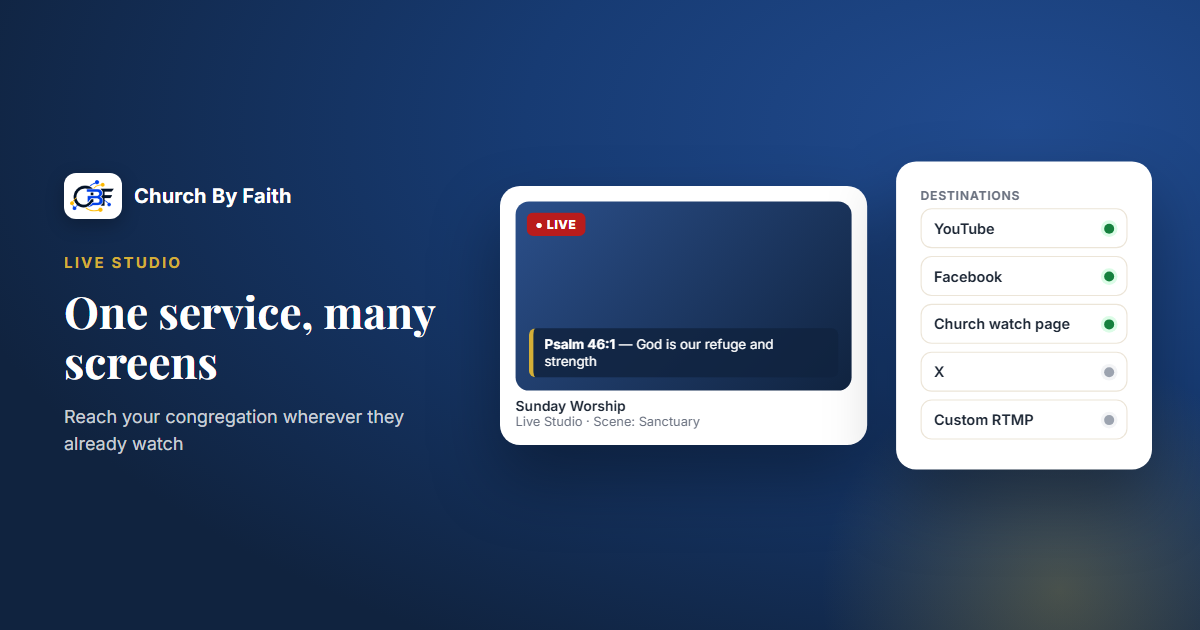
Some of your people watch on YouTube. Others only ever open Facebook. A family member overseas may prefer a simple link to your church's own page. Streaming to several destinations at once lets you meet each of them where they already are, without running a separate broadcast for every platform.
Why stream to more than one place
Multistreaming, or sending one live service to several platforms at the same time, is less about chasing numbers and more about removing friction.
- Members can watch wherever they already have an account.
- Visitors may find you on a platform you did not expect.
- Homebound members and family far away can use whichever option is simplest for them.
- Your church's own watch page gives people a distraction-free place to worship, without unrelated suggestions.
The trade-off is complexity. Each destination is one more login, one more chat to watch and one more thing that can go wrong on a Sunday morning. Start with two and add more only when your team is comfortable.
Choose your destinations
Not every platform fits every church. Ask who you are trying to reach and where they actually watch.
Good starting points for most churches:
- YouTube, for a searchable archive and viewers who watch on TVs.
- Facebook, where many church members, especially older members and families, already spend time.
- Your own watch page, linked from your website and announcements.
Optional additions:
- Other video platforms that accept a stream key, if part of your community uses them.
- Vertical, phone-first apps. These usually expect a portrait video, may need you to finish going live inside their own app, and some accounts may not qualify for live streaming. Treat them as an experiment, not your main destination.
A simple rule: add a destination only if someone on your team will watch its chat and respond during the service.
Keep titles and descriptions consistent
Each platform shows its own title, description and thumbnail. Agree on one format and use it everywhere, for example "Sunday Worship | Series Name | Date". Add a short description with your church's name, service time and a link to your website. When the same service looks the same on every platform, people recognize you instantly, wherever they find you.
Check music and content permissions
Streaming to more platforms means more places where copyright rules apply. If you stream worship songs, confirm that your church's licenses cover live streaming, not only singing in the building. Some platforms automatically mute or interrupt streams that include music they detect as copyrighted, and the rules differ from one platform to another. Knowing this in advance saves a stressful Sunday morning.
Understand the two ways destinations connect
Most streaming tools connect to platforms in one of two ways. Knowing the difference saves a lot of confusion.
Account connection
You sign in to the platform (for example, your church's YouTube channel or Facebook page) and grant permission. The streaming tool can then create the broadcast for you and often read the live chat.
- Pros: easier each week, and chat can come back into one place.
- Watch out for: signing in with the church's account, not a volunteer's personal one. Use a shared church login with more than one administrator, so access does not disappear when someone leaves.
Stream key
The platform gives you a server address and a secret key. You paste both into your streaming tool.
- Pros: works with almost any platform that supports live video.
- Watch out for: keys are like passwords. Anyone with your key can stream to your channel. Store keys securely, share them only with the people who need them, and reset them if a volunteer leaves or a key may have been exposed. Some platforms also change keys periodically, so check before each service.
Plan for how the stream reaches each destination
Multistreaming raises one technical question that single-platform streaming does not: how many copies of the video leave your building?
- One stream out, copied in the cloud. Many tools take a single stream from your church and send copies to each platform from their own servers. Your upload stays the same whether you choose two destinations or six.
- One stream out per destination. Some setups send a separate copy from your computer to every platform. Each extra destination adds to your upload, and a connection that handles one stream comfortably may struggle with three.
Ask your tool which way it works before adding destinations. If it sends a copy per destination, add platforms one at a time and watch whether quality holds.
A few more multi-destination details:
- Pick one master format. Choose a single landscape resolution and frame rate that every main destination accepts, rather than tuning for each platform.
- Treat portrait destinations as a separate picture. A landscape service is not automatically reframed for vertical apps, so a pulpit shot framed for a TV may look cramped on a phone screen held upright.
- Expect small delays to differ. Each platform adds its own delay, so viewers on different platforms may be a few seconds apart. That is normal and not a problem to fix.
Handle several chats at once
The biggest day-to-day challenge of multistreaming is not the video. It is the conversation. Every platform has its own chat, and viewers on one cannot see comments on another.
- Bring chats together if you can. Some tools show comments from several platforms in one window, which lets a single host keep up.
- Otherwise, assign platforms. One volunteer watches the chat on one platform, another on a second. A host who flips between browser tabs will miss people.
- Set moderation before the service. Each platform has its own comment settings, word filters and options for who can comment. Set them once on each account, so you are not adjusting them during worship.
- Pin the same message everywhere. A pinned comment with your website and a simple next step keeps every audience on the same page.
Sample pinned message:
Thank you for worshipping with us. You are part of this service wherever you are watching. Visit our website to learn more about our church and our weekly gatherings.
How Church By Faith handles this
Church By Faith includes Live Studio, switched on by default on the Premium and Network plans; churches on other plans can ask us about it (see pricing). You can broadcast from a phone or browser, from vMix, or from an encoder such as OBS, and choose where the service goes:
- YouTube: sign in with your church's Google account, which brings YouTube's live chat into the studio so your host can follow it there, or connect with a stream key.
- Facebook: connect your church's page with a stream key.
- Other platforms by stream key: X, Rumble, TikTok, Instagram, or any custom RTMP destination. TikTok and Instagram are portrait-only, you finish going live in those apps, and not every account qualifies.
- A public Church By Faith watch page for your church, without other people's advertisements.
Before your first multi-destination Sunday, connect your church's YouTube account and add your Facebook stream key and any others, so your destinations are ready before you go live. If you would like help planning your destinations, contact us.
Key takeaways
- Start with two or three destinations, usually YouTube, Facebook and your own watch page.
- Add a destination only if someone will watch its chat.
- Connect platforms from a shared church account, not a personal login.
- Treat stream keys like passwords and reset them when people leave.
- Find out whether your tool sends one stream or one per destination.
- Plan portrait apps as a separate picture, and treat them as optional.
- Bring chats together, or give each platform its own host.
See how Church By Faith Live Studio streams to YouTube, Facebook and more on the features page.